
WhatsApp Campaign Analytics That Power Your Next Send
See exactly who was sent, delivered, read, replied, and clicked on every broadcast. Then turn those results into your next campaign in two clicks.
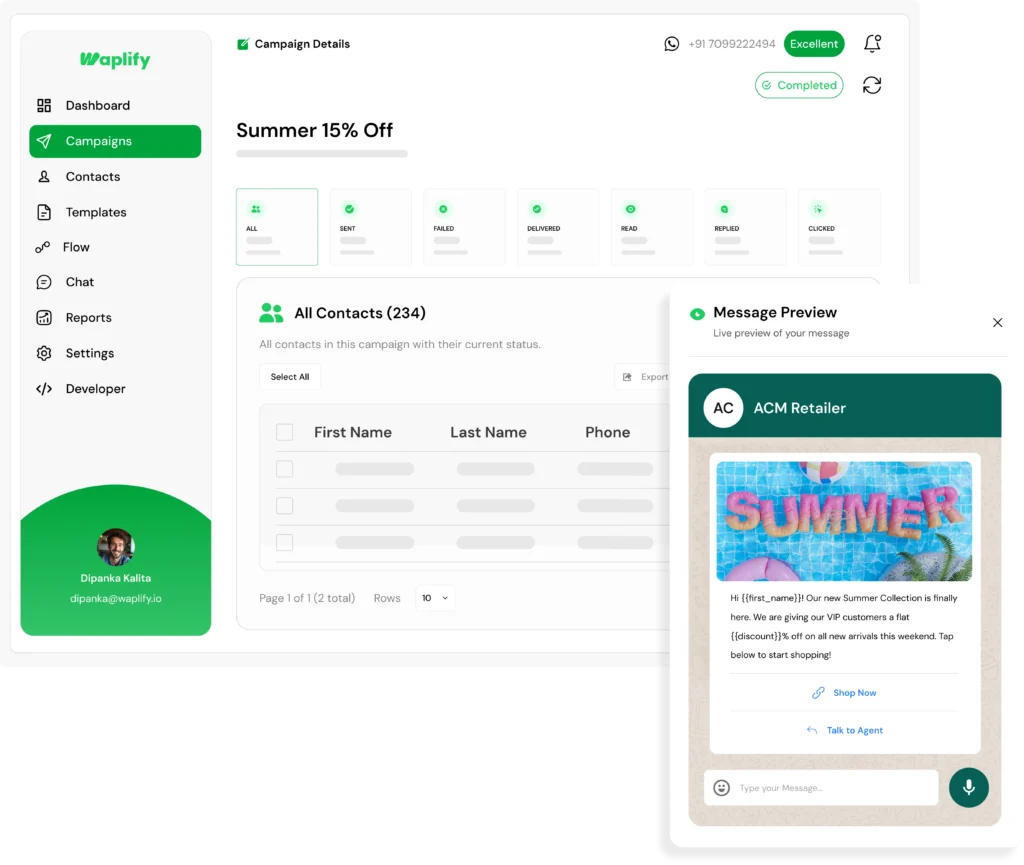
Most teams send a broadcast and never look back
A campaign without a report is a campaign you cannot improve.
-
You send, then you go blind
Failed numbers stay in the list. Contacts who read the message but never replied get no follow-up. The campaign just ends.
-
Reports get paywalled or hidden
Some tools lock the export behind a higher plan or bury the failure reason next to each contact, so you cannot act on results.
-
Slow answers, banned numbers
When delivery drops, incumbent support takes days to explain why. A personal number gives no report at all, just a banned account.
Built for any business that talks to customers on WhatsApp
-
Agencies
Manage multi-client retainers, approvals, and weekly briefings.
-
Coaching
Track batches, admissions, fee notices, and class reminders.
-
Education
Reach students and parents with fees, exams, and class updates.
-
Medical & Clinics
Appointment reminders, follow-ups, and branch alerts.
-
Tourism
Share itineraries, seasonal offers, and trip-day reminders.
-
Travel agencies
Send trip plans, booking updates, and post-trip follow-ups.
-
Real estate
Send listing alerts, qualify buyers, and book site visits.
-
Professional services
Client onboarding, milestones, and renewal nudges.
-
Finance & Insurance
Policy reminders, EMI alerts, and document collection nudges.
What you get with Waplify campaign analytics
Three capabilities that turn a finished campaign into your next targeted send.
Every result, the moment it lands
The campaign report fills in live, the second you hit send.
- Sent, Delivered, Read, Replied, Clicked, and Failed counts on one screen
- Each card shows the count and its percentage rate, so you see how the campaign performed at a glance
- Numbers update in real time, with no refresh and no waiting
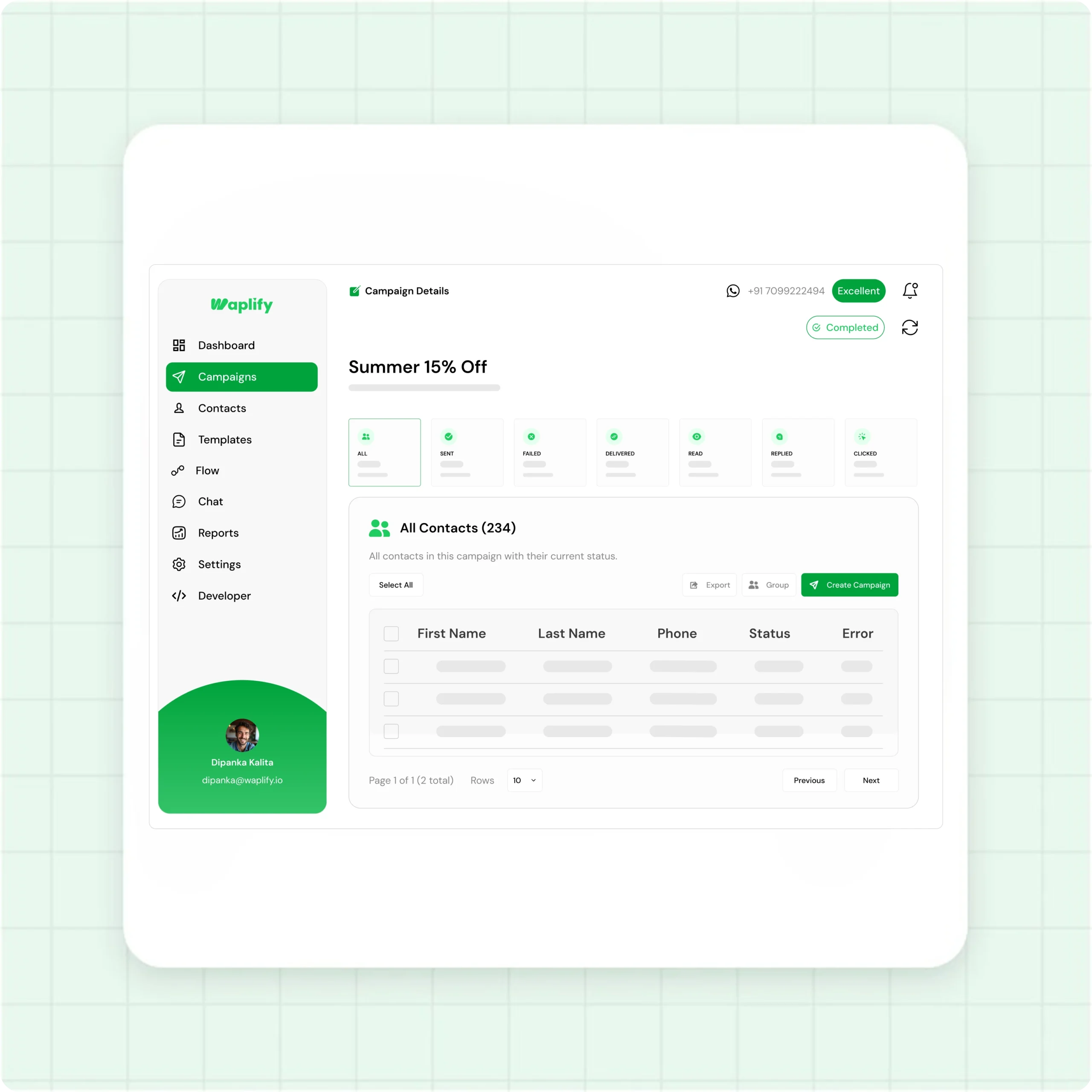
Filter your contacts by what they did
Every metric on the dashboard is also a filter.
- Click Delivered, Read, Replied, Clicked, or Failed to filter the contact list instantly
- See first name, last name, phone, and status for every contact in that view
- Failed contacts show the exact reason, so you know what to fix before the next send
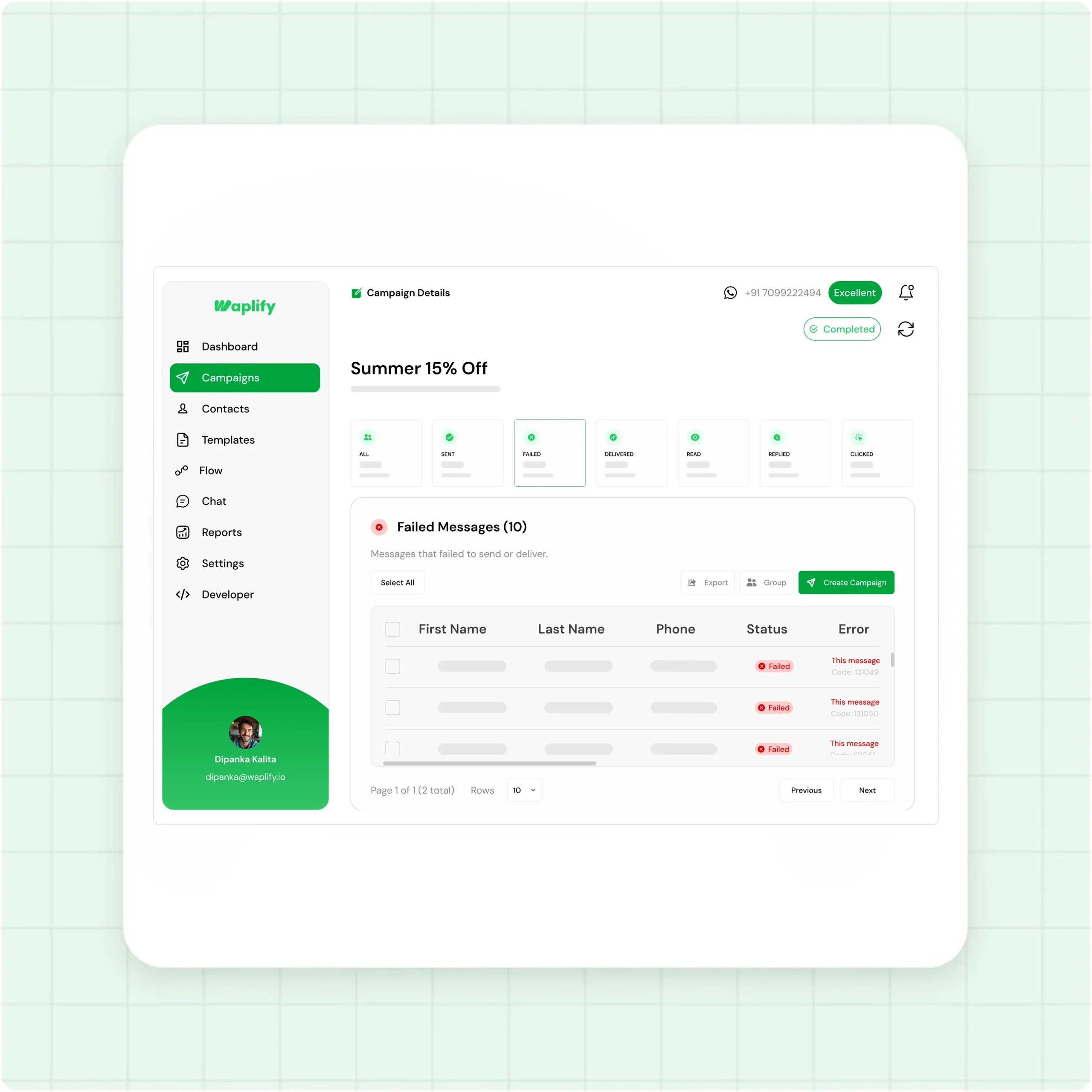
Turn this campaign into your next one
A filtered list is a ready-made audience.
- Select every contact in the filtered view with one click
- Export the selection to CSV for your records or your team
- Save it as a new contact group, or launch a follow-up campaign on the spot
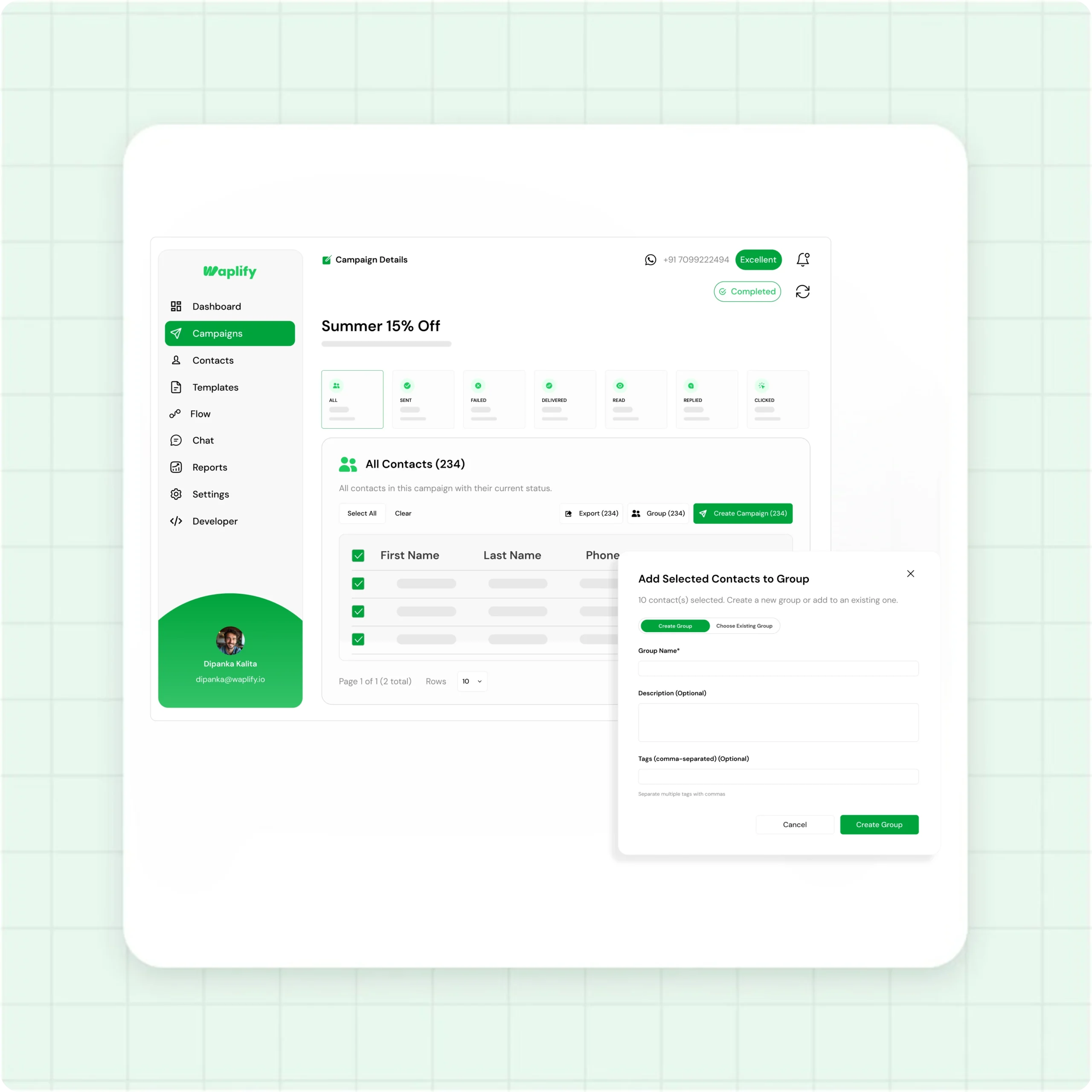
From sent to follow-up in four steps
-
Send or schedule
Pick an approved template, choose your contacts or groups, and send now or schedule the broadcast for later.
-
Watch the stat cards
The campaign report opens automatically. Sent, Delivered, Read, Replied, Clicked, and Failed counts fill in live.
-
Filter by status
Click any metric to filter the list. Open Read for engaged contacts, or Failed for numbers that need fixing.
-
Export, group, or resend
Select the filtered contacts, then export them, save them as a group, or start a new campaign aimed only at them.
How real teams use Waplify for campaign analytics
-
A coaching institute reworking an admissions push
A marketing manager sends an admissions broadcast to 1,400 leads. The report shows who read it but never replied. She filters that group, saves it as 'Warm Admissions', and schedules a follow-up for the next morning all in one place. No spreadsheets, no manual work.
-
A real estate team cleaning a contact list
An agent sends a new-listing alert and sees a batch of contacts fail with invalid-number errors. They filter by Failed, export the list, and hand it to the front desk to re-confirm phone numbers. The next broadcast goes out to a cleaner list with a higher delivery rate.
-
A travel agency following up on interest
The owner promotes a seasonal package, then filters by Clicked to find the contacts who tapped the booking link. They create a group from that list and launch a focused follow-up. Only interested contacts get the second message, so engagement stays high.
Common questions
Quick answers to the questions buyers ask most
1. What is WhatsApp campaign analytics?
2. How soon do campaign stats update?
3. Why don't all delivered messages show as Read?
4. Can I see which contacts clicked a link?
5. Can I resend to contacts whose messages failed?
6. Does Waplify work for my industry?
7. What does the lifetime plan include?
Get Lifetime Access to Waplify Today
Stop paying for monthly subscriptions. Automate your business forever with a one-time investment.
Lifetime plans at ₹24,999